
MARKBOOK CONNECT FOR STUDENTS AND FAMILIES
Clear progress. Shared understanding.
See the grades and reports your teacher shares, so you always know where learning stands and what comes next.
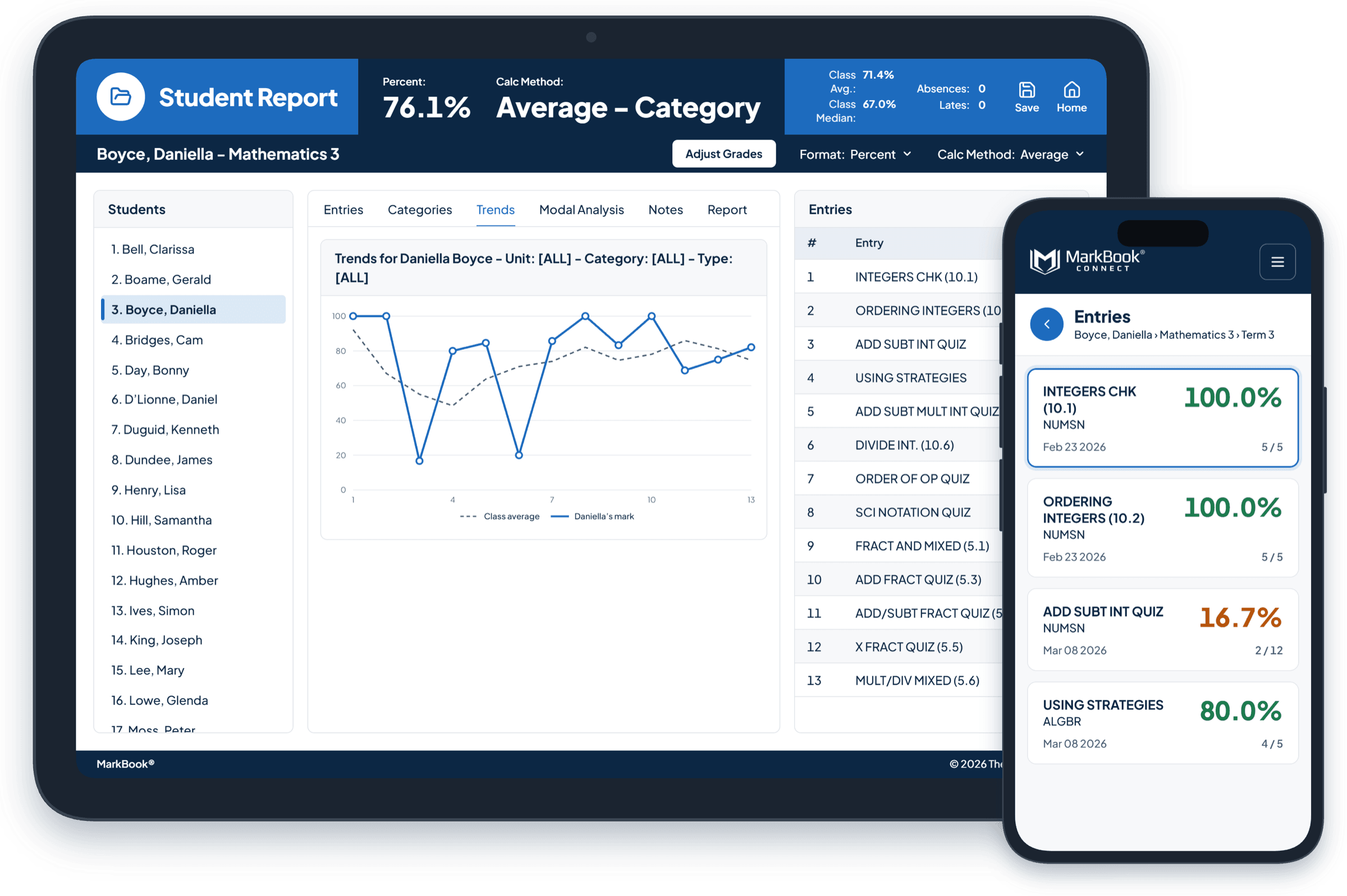
Getting in is simple.
Step 1: Get your sign-up instructions
Your teacher sends them by email or on a printed slip.
Step 2: Create your account
Go to the MarkBook CONNECT sign-up page and enter the sign-up code from your instructions.
Step 3: Log in from any browser
Use your phone, tablet or computer. There’s no app to download.
Didn’t get your sign-up instructions, or lost your sign-up code? Contact your student’s teacher.
A clearer view of learning.
A grade is only part of the story. MarkBook CONNECT helps you see more of it.
For students: know where you stand
- See the grades and reports your teacher shares.
- Notice how your learning is progressing over time.
- Come to conversations with your teacher with questions ready.
For parents and guardians: stay connected to progress
- See how your student is doing, without waiting for the end of term.
- Spot strengths and areas where a little extra support could help.
- Have more informed conversations with your student and their teacher.
Private and secure.
- Only your own information: you can see only the students you’re connected to.
- Password-protected access, with information encrypted at rest and in transit.
- Hosted on Microsoft Azure.
Questions students and families ask
What is MarkBook CONNECT?
MarkBook CONNECT gives students and families secure online access to the grades and reports a teacher shares from MarkBook.
How do I get access?
Your teacher sends you sign-up instructions, by email or on a printed slip. Use the sign-up code in the instructions to create your account, then log in from any web browser.
Can I sign up on my own?
No. Access always begins with sign-up instructions from your student’s teacher. If you’re expecting them and haven’t received them, contact the teacher.
Do I need to download an app?
No. MarkBook CONNECT works in your web browser on a phone, tablet or computer.
Why can’t I see everything?
You’ll see what your teacher shares, which can differ by class or reporting period. New information appears when your teacher publishes it. For some classes, you’ll see an overall grade for each area of learning rather than every individual result.
Can I message the teacher through MarkBook CONNECT?
No. MarkBook CONNECT is for viewing grades and reports. Please contact the teacher or school directly.
I have a question about a grade. Who should I ask?
Your student’s teacher. They can explain the assessment and talk through next steps.
I can’t log in. What should I do?
Use the “Forgot your password?” link on the login page. If you still can’t get in, our support team can help.
See the learning behind the grade.
Are you a teacher? See how MarkBook CONNECT works for educators →